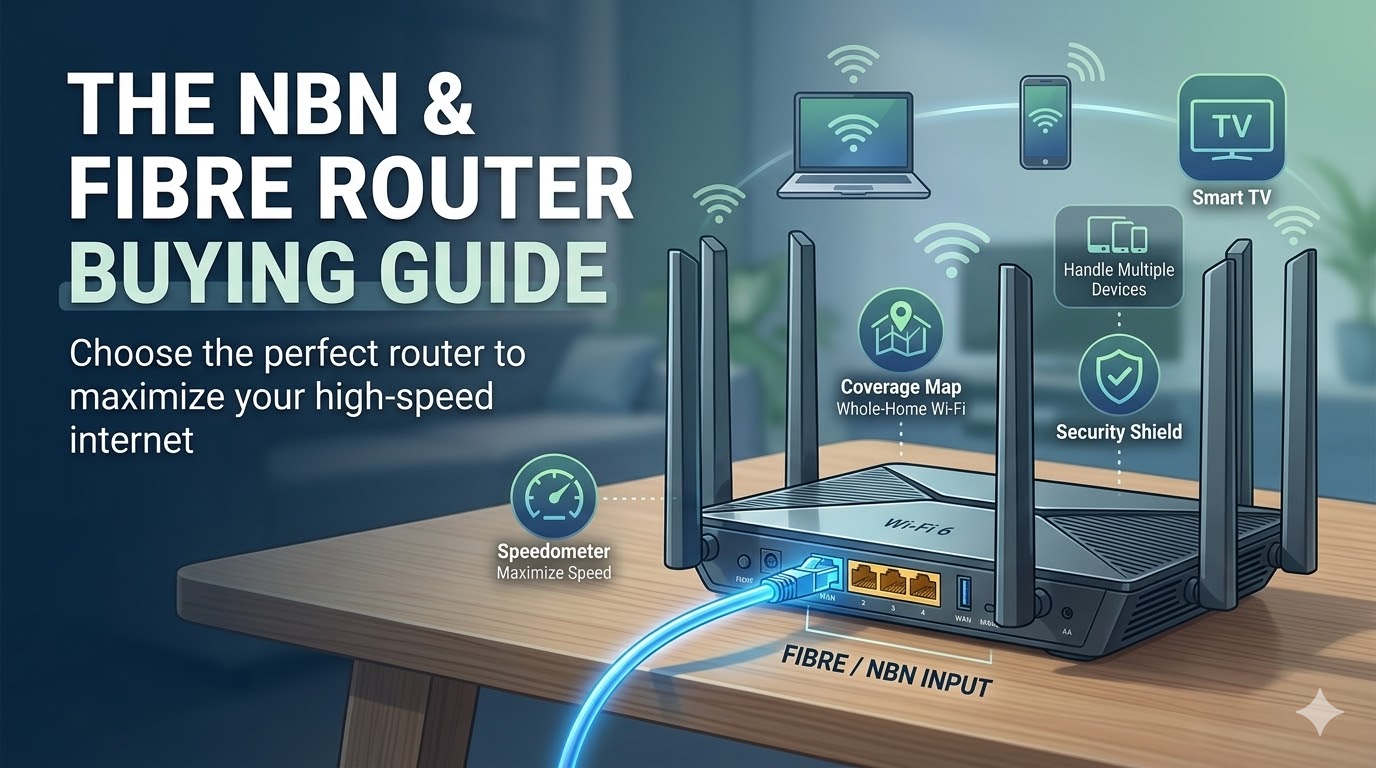
The 2025 NBN & Fibre Router Buying Guide
Whether you are on a BT Full Fibre plan in the UK or a Telstra NBN 1000 plan in Australia, the story is always the same: The Internet Service Provider (ISP) gives you a "free" modem/router combo box, and your speeds are terrible.
These ISP-provided boxes are built using the cheapest internal antennas possible to save the company money. While they are fine for a studio apartment, they simply cannot broadcast a strong signal through thick brick walls or handle 20+ smart devices simultaneously without buffering. Here is exactly what specifications you need to look for when buying an upgrade.
Can I actually replace my ISP router?
Yes! If you have a direct Fibre-to-the-Premises (FTTP) connection, you can usually plug a new high-performance router directly into your wall's NTD/ONT box. If you have a different connection type (like FTTN), you can plug your new router into your existing ISP box and put the ISP box into "Modem Only" or "Bridge" mode.
1. Understanding Wi-Fi Standards
When shopping for a router, the most important specification is the Wi-Fi generation. In 2025, you should completely ignore older Wi-Fi 5 (802.11ac) models.
Wi-Fi 6 (The Sweet Spot)
Wi-Fi 6 (802.11ax) is the current gold standard. It was specifically designed to handle "device congestion." If your household has multiple smartphones, a 4K smart TV, gaming consoles, and smart home cameras all fighting for bandwidth, Wi-Fi 6 allocates data efficiently so nobody experiences lag.
Wi-Fi 6E (The Future-Proof Option)
Wi-Fi 6E takes everything great about Wi-Fi 6 and adds an entirely new, completely empty 6GHz "fast lane." If you live in a dense neighborhood or an apartment complex where your neighbors' Wi-Fi signals interfere with yours, a 6E router will completely bypass that traffic jam.
2. Standalone Router vs. Mesh System
Before you hit "Buy," you need to decide between a single powerful router or a multi-node Mesh system.
- Buy a Standalone Router if: You live in a single-story home under 2,000 sq. ft., or you are a hardcore gamer who plans to sit in the same room as the router and plug directly into it via an Ethernet cable.
- Buy a Mesh System if: Your home has multiple floors, thick internal walls, or is larger than 2,500 sq. ft. A Mesh system places 2 or 3 nodes around the house, bouncing the signal around corners to blanket the entire property in high-speed Wi-Fi.
3. Matching Your Router to Your Broadband Tier
Don't overpay for a router if your internet plan can't support those speeds.
- Speeds up to 100 Mbps (e.g., NBN 50 / 100): A basic entry-level Wi-Fi 6 router (like the Amazon eero 6+) is more than enough to handle your connection.
- Speeds up to 500 Mbps: You need a mid-range Dual-Band router with strong processors to handle the data flow without bottlenecking your downloads.
- Gigabit Fibre (1000 Mbps+): To actually achieve Gigabit speeds over Wi-Fi on a phone or laptop, you must invest in a high-end Tri-Band Wi-Fi 6E router or a premium Mesh system with a dedicated wireless backhaul.